 GymFlow
Gym workout log
Log every set.
See every gain.
GymFlow helps you plan your workouts, log each set with one tap and watch your strength grow week after week. No account needed, and your data stays on your phone.
Get it free on Google PlayAndroid · English & Vietnamese · No sign-up
- No accountOpen the app and train. No email, no password.
- Your data, your phoneStored on device, no server. Export a backup any time.
- Free to logPlans, workouts and history are all free.
Built for the gym floor
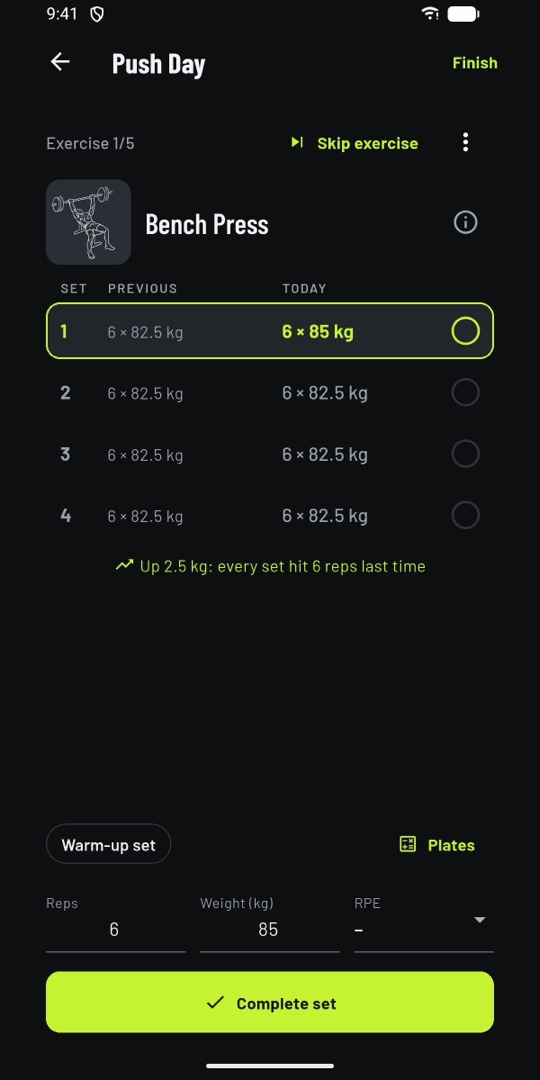
Made to use between sets: big type, few taps, and last time's numbers always in view.
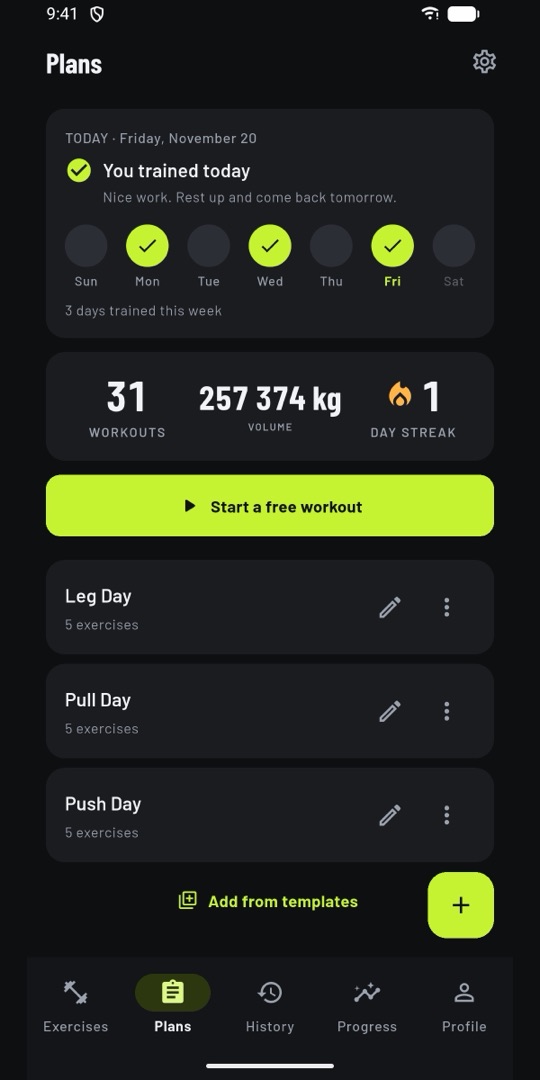
Workout plans
Build your own or start from a template. Set sets, reps, rest and supersets.
One-tap logging
Last session's numbers right beside each set. Warm-up sets, RPE and notes included.
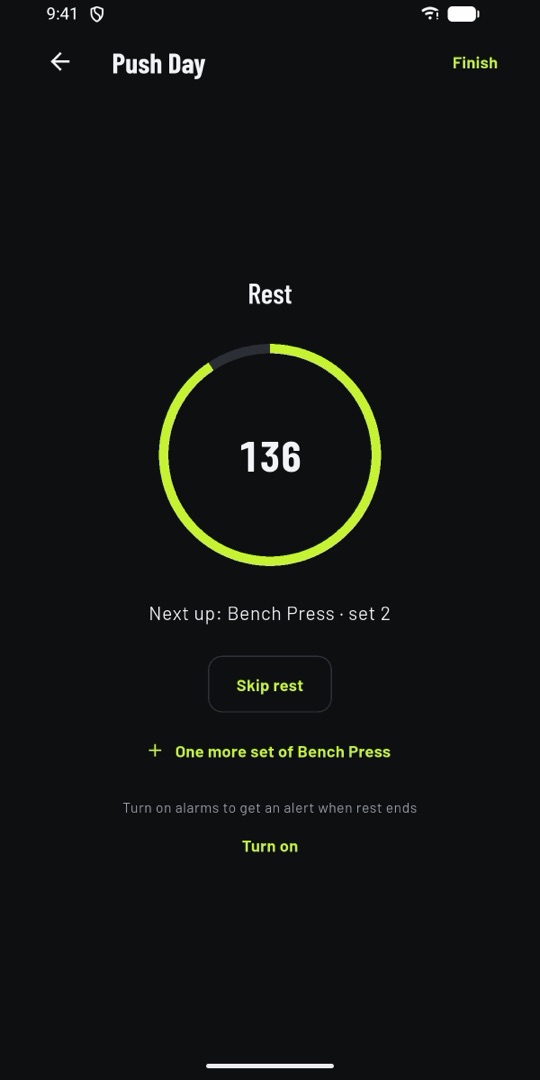
Rest timer
Starts after every set and alerts you when rest is over, even in the background.
Plate calculator
See exactly which plates go on each side of the bar.
History & reminders
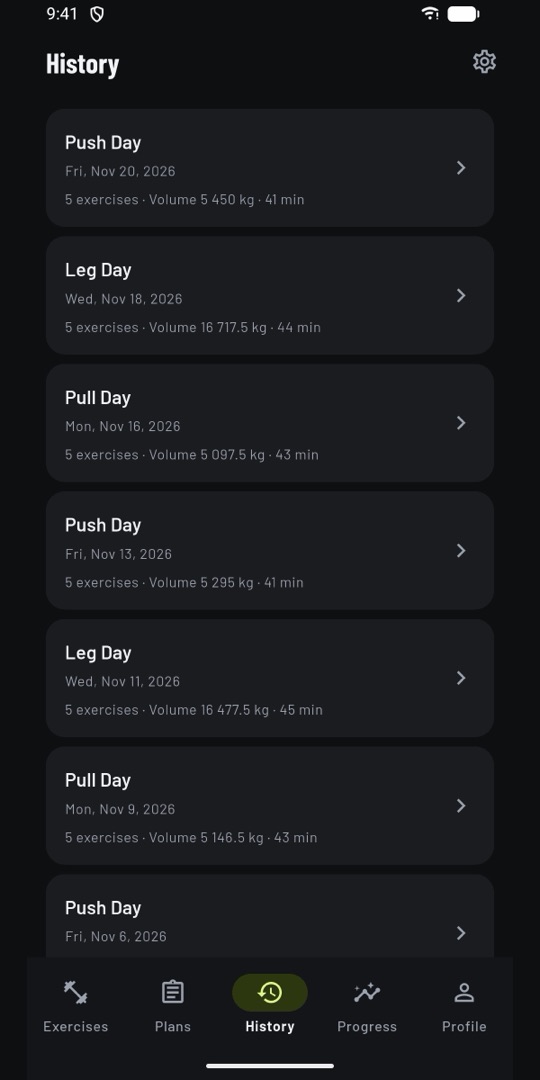
Every workout you've done, plus weekly workout reminders.
Progress chartsPremium
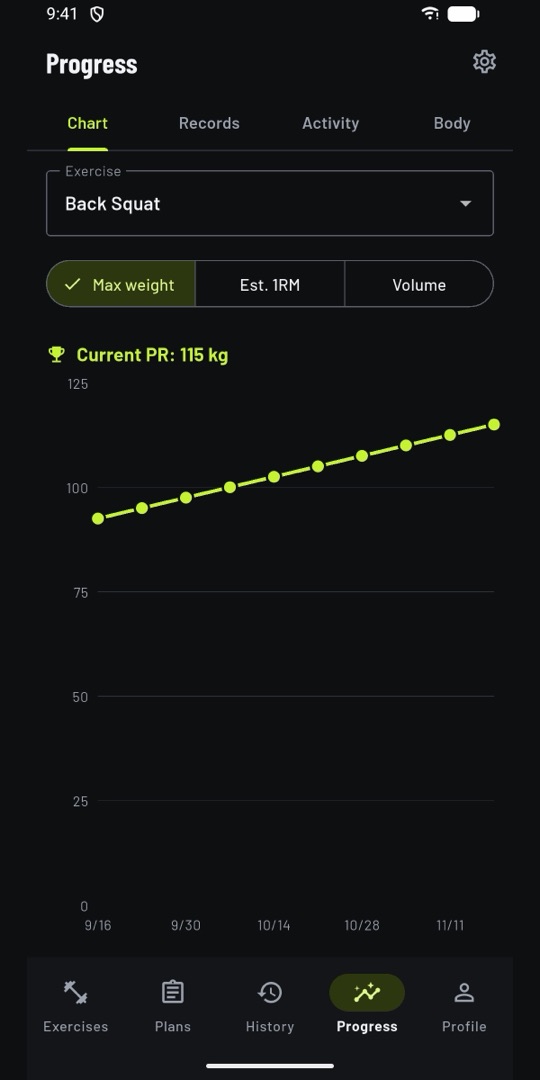
Track weight, volume and estimated 1RM for every exercise.
Personal recordsPremium
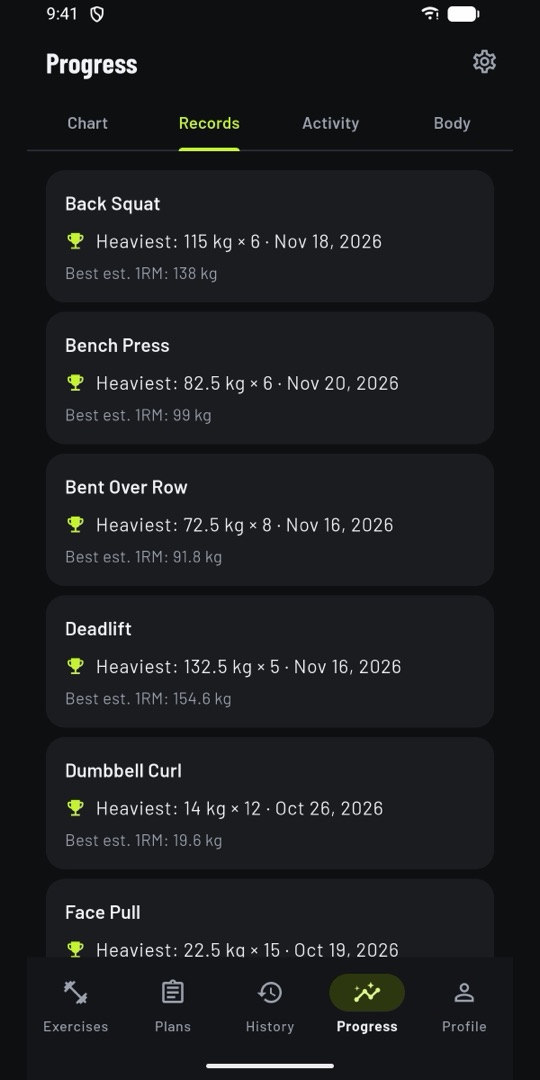
Every record you've set, plus training activity and body weight.
Weight suggestionsPremium
Know when to add weight, based on your last session.
Take a look
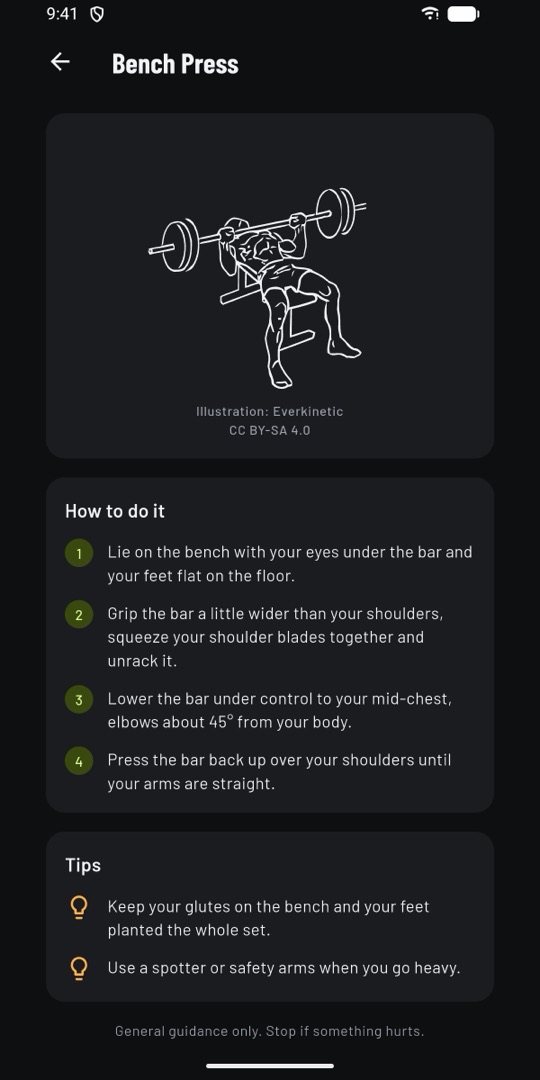
Screens from the app.
Free or Premium
The free version logs every workout. Premium is for when you want to dig deeper.
Free
- Unlimited plans and templates
- Workout logging, rest timer, plate calculator
- Exercise library, history, reminders
- Backup, restore and CSV export
- Shows ads
Premium
- Everything in Free, without ads
- Progress tab: charts, records, activity, body weight
- Weight suggestions during workouts
- Monthly, yearly (7-day free trial) or lifetime
Prices are shown in the app and on Google Play for your region. Subscriptions renew automatically; cancel any time in Google Play.
FAQ
Do I need an account?
No. Open the app and start training.
Where is my data stored?
Only on your phone. GymFlow has no server and doesn't sync your training data anywhere. See the Privacy Policy for details.
What if I change phones?
Export a backup file from Settings, move it to the new phone and restore it. Premium comes back with Restore purchases on the same Google account.
Is there an iPhone version?
GymFlow is on Android for now. An iOS version is planned.
How do I cancel Premium?
In Google Play → Payments & subscriptions → Subscriptions. Premium stays active until the end of the period you paid for.